
Nanavia uses motion sensing technology to monitor daily activity patterns, giving families insight into their loved one's routine without requiring any wearable devices.
Think of it like a friendly neighbor who notices when the lights don't come on at the usual time.
Nanavia uses a simple PIR (Passive Infrared) motion sensor—the same technology that turns on your porch light when you walk by. It detects and records movement, nothing more. No images. No audio.
You place the sensor in a high-traffic area like the kitchen or hallway. Throughout the day, it quietly notices when there's activity. If there isn't activity when your rules say there should be you'll get a heads up.
From box to peace of mind in minutes—no technician required.
Setup is refreshingly simple. No app download required. The device connects directly to any standard home WiFi network.
Follow the setup instructions, connect to your wireless network, and you're done. The whole process takes just a few minutes. If your loved one can connect a WiFi speaker or smart plug, they can set up Nanavia.
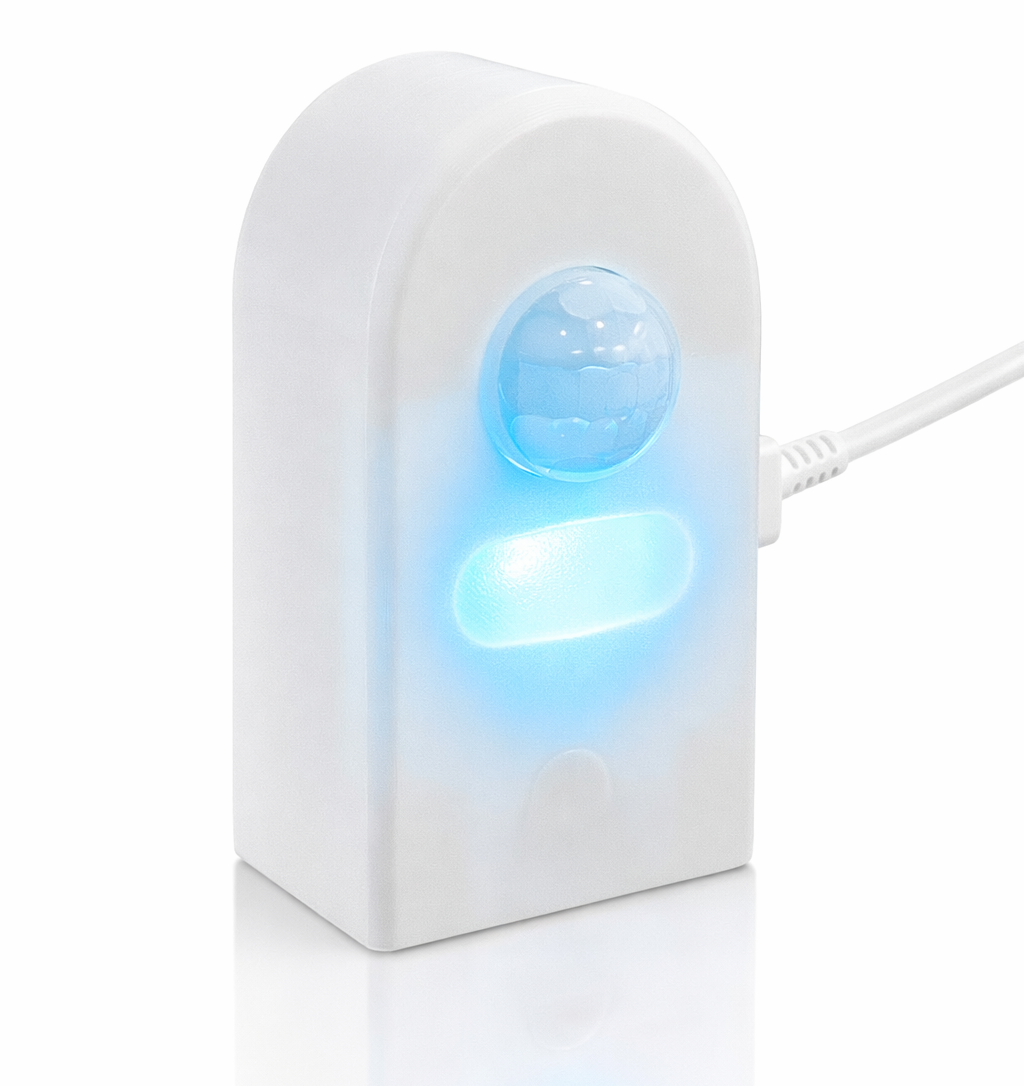
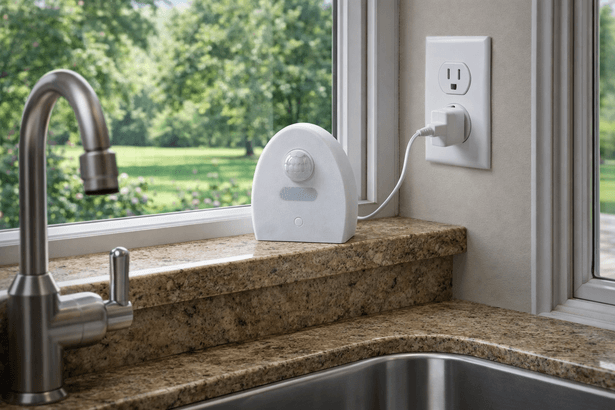
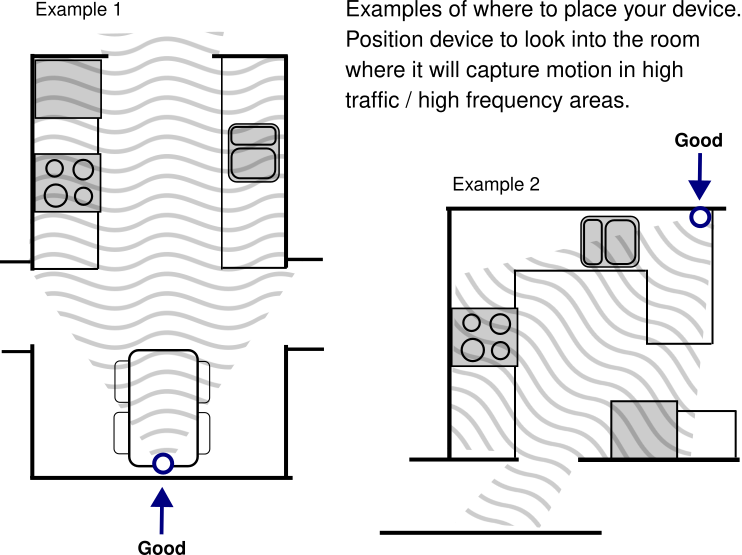
Find a spot with good visibility in a room that sees regular daily traffic—the kitchen is ideal. The sensor plugs into a standard outlet and sits on a counter, shelf, or mounts to a wall.
It should have a clear view of the room. Think about where someone would naturally walk when they get up in the morning, make coffee, or grab a snack. That's exactly where Nanavia does its best work.
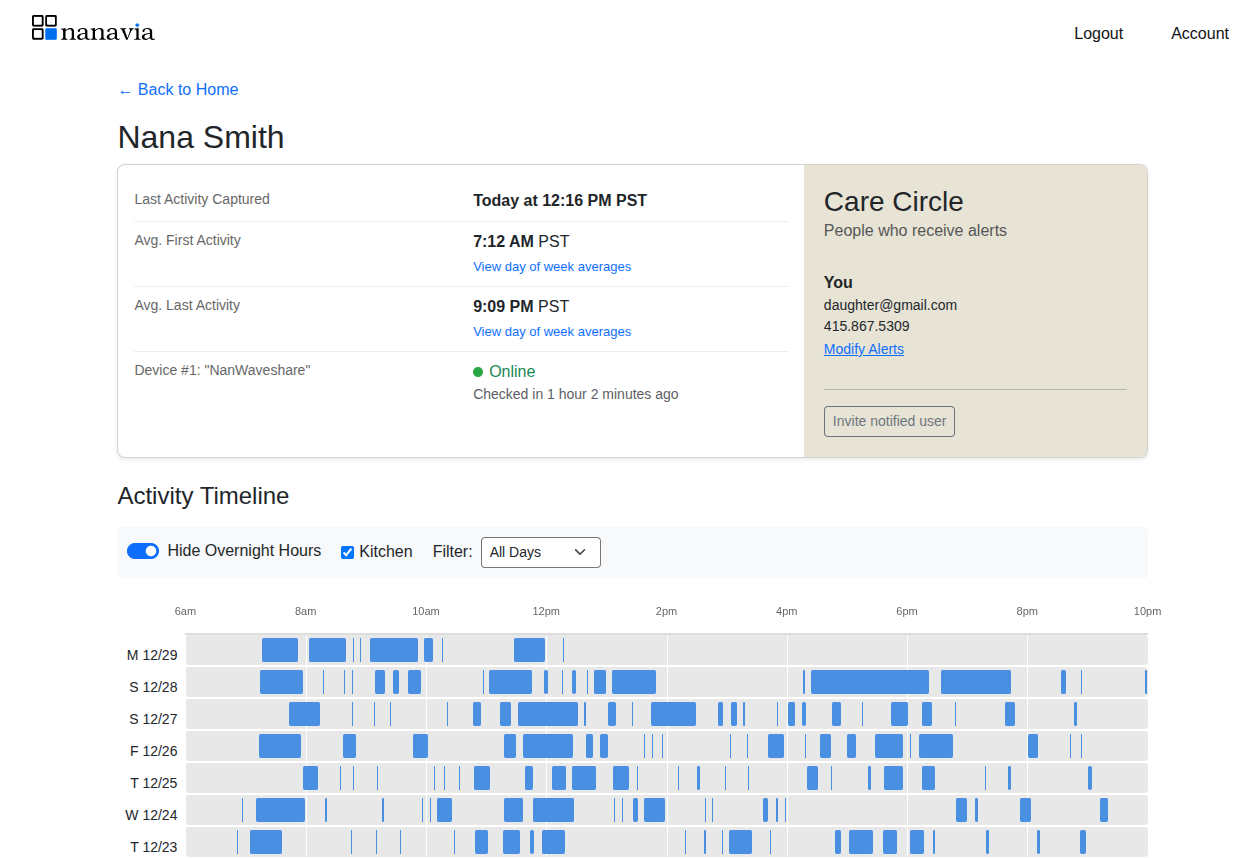
When you create an account you'll add some initial alerts, but over the first few weeks you'll be able to see patterns emerge, and adjust your alerts.
The dashboard shows you a simple visual pattern of activity—not what someone is doing, just that they're up and moving. You'll start to see the natural ebb and flow of their day, and that visibility alone brings tremendous peace of mind.
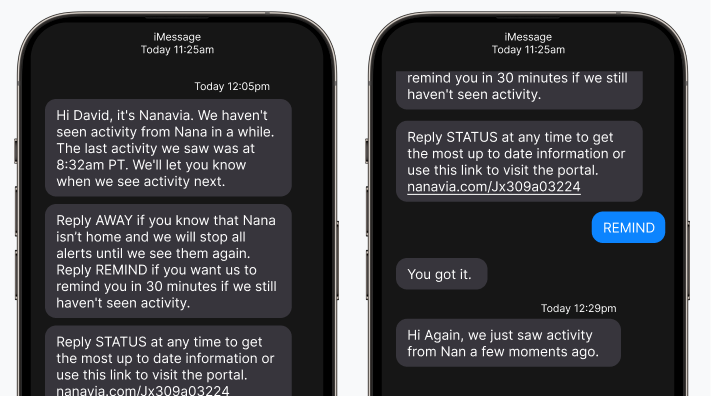
If there is period of inactivity that matches the rules you established in your alert settings Nanavia will send a text and an email to you.
The alert lets you know to have a look at the dashboard, or maybe send them a text, or give them a call. Once motion is detected again, you get a follow-up message confirming activity has resumed.
When you set up a monitored person, you can add as many people to their care circle as you'd like. Maybe it's just you. Maybe it's you, a sibling, and a neighbor who lives nearby. There's no limit—add whoever makes sense for your situation.
Each person in the circle is a potential responder. When you invite a new person to be part of a care circle, they will set up alerts that they feel are approprite.
We believe monitoring shouldn't mean surveillance.
Nanavia uses motion-sensing technology—no cameras, ever. Your loved one maintains their privacy and dignity while you gain the peace of mind that comes from knowing they're okay.
Our approach is simple: we detect movement and activity patterns without capturing images, video, or audio. Think of it as a gentle presence that watches over without actually watching.
Falls are a real concern. According to the CDC, one in four adults over 65 falls each year. But most people don't want to wear a medical alert necklace or have cameras watching their every move.
Nanavia fills that gap. It's a safety net that doesn't feel like a safety net. It respects independence while giving family members the visibility they need to sleep a little better at night.
It's not about tracking every movement, and it's not a fall detection system, it's about noticing when something feels off, so you can pick up the phone and check in.
Learn more about who benefits most from passive activity monitoring, or explore how we compare to other options on the market.